

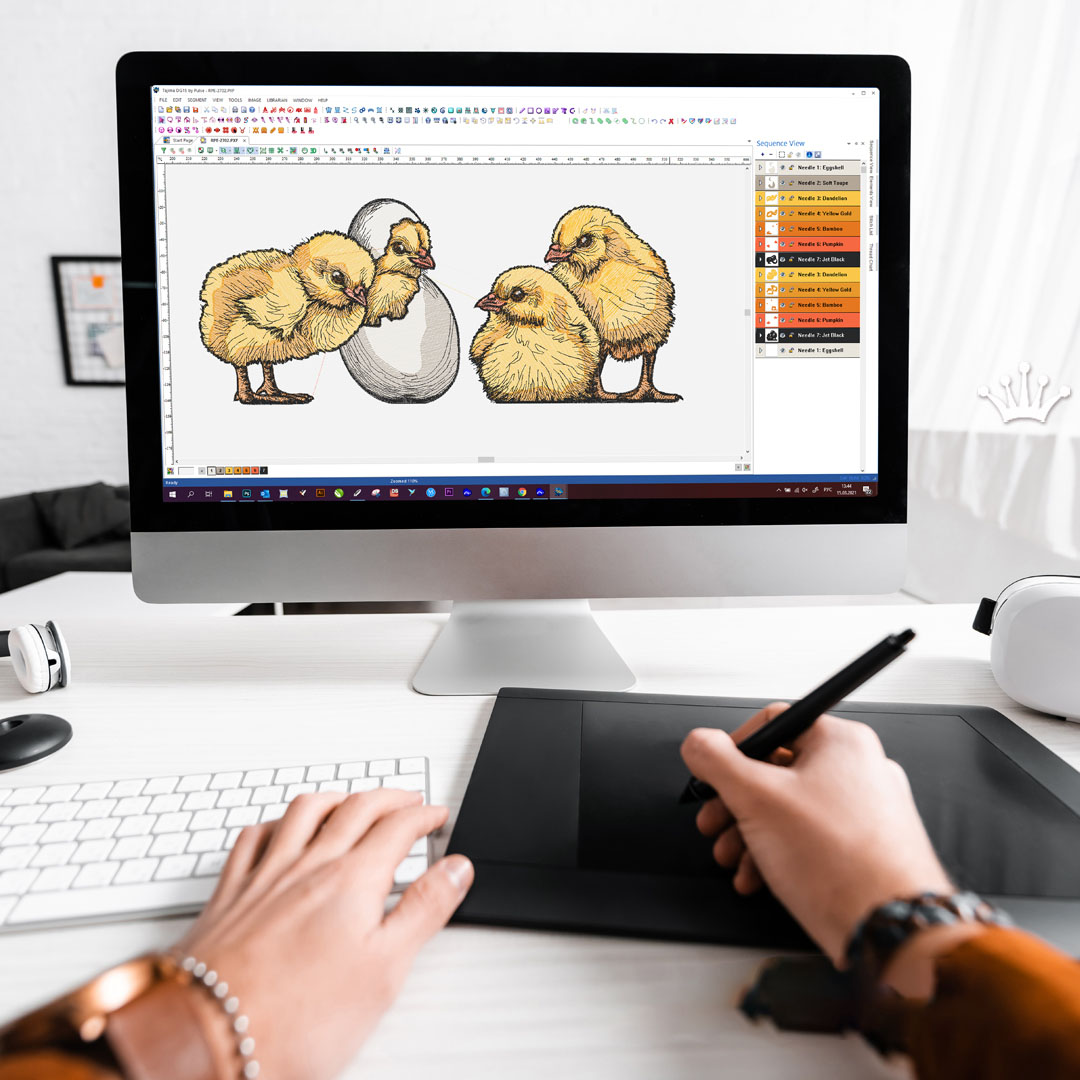

You have a design ready to stitch. Maybe it is a logo for a client, a complex pattern for a jacket, or even a technical textile component. Your ZSK machine is built for precision and speed, but it needs the right file format. If you load the wrong file, the machine either rejects it or stitches it wrong. Learning the best methods to convert designs for ZSK embroidery machines saves you time, thread, and frustration.
ZSK machines are the workhorses of industrial embroidery. They handle everything from high-volume apparel to technical textiles like carbon fiber components . But they speak their own language. You need the right tools and techniques to translate your designs into files these machines understand. This guide walks you through the best methods, from official ZSK software to third-party options and professional services.
Understanding ZSK File Formats
Before we dive into methods, let us talk about what your ZSK machine actually needs. ZSK machines primarily use two file formats for production.
DST is the universal format used by most commercial embroidery machines . It contains basic stitch instructions and works well for standard embroidery. However, DST files lack some ZSK-specific features like head selection commands or special presser foot controls .
Z00 is ZSK’s native transport code . This format contains all the machine-specific commands your ZSK needs for optimal performance. When you convert designs specifically for ZSK machines, Z00 is usually your target format. It preserves color assignments, needle sequences, and special commands.
For advanced applications like sequins, chenille, or technical embroidery, ZSK supports specialized formats. Wilcom EmbroideryStudio 2025 now supports the ZSK TC file format for twin sequin and chenille embroidery . This is crucial for anyone working with decorative or technical textiles.
Method 1: ZSK’s Official BasePac Software
If you want the tool built specifically for your machine, look at ZSK’s BasePac family. This modular software suite handles everything from basic editing to advanced technical digitizing .
BasePac comes in four versions to match your needs .
BasePac Base lets you edit existing stitch files, personalize designs, and choose from over 100 fonts. You can insert special ZSK commands into existing designs and convert between DST and Z00 formats. This is your entry point for basic conversion and customization.
BasePac Premium adds creation tools. You can design patterns from images or vectors and use the auto-digitizer to generate embroidery designs in minutes . Perfect for turning logos into stitch files.
BasePac Professional unlocks unlimited creativity with complex effects, beads, and sequins on lines or in areas . For embroidery businesses pushing creative boundaries, this version delivers.
BasePac Technology targets technical embroidery like tailored fiber placement and smart textiles . It includes enhanced file formats for output and tools for precise technical work.
All BasePac versions import and export multiple stitch file types including DST, DSZ, EXP, and PAT. They also read Z00 files natively . The software runs on Windows and integrates directly with ZSK machines.
ZSK even offers a learning platform with video tutorials, interactive workbooks, and practice files . You can work through exercises, submit them for review, and earn certification. This is invaluable for mastering the software.
Method 2: ZSK Terminal for Production Preparation
ZSK Terminal acts as the bridge between your design files and your machines . Think of it as production headquarters. You import designs, prepare them for stitching, and send them to one machine or an entire machine park.
The best part? ZSK Terminal is available as a free trial version that you can use for up to 360 days for the basic modules . That is practically free for long-term testing.
The Converter module translates DST files into ZSK code . You load your DST files, assign colors to each section, and the software generates a Z00 file that matches your current color assignment on the machine. This step alone eliminates countless production errors.
EasyText lets you add lettering in different fonts, sizes, and colors to existing designs . You position up to nine independent text blocks and send directly to your machine.
PhotoStitch creates embroidery files from photos in seconds . Open an image, select a size, and save as a Z00 transport code. Perfect for custom portrait work.
Projects organizes all your files in one place with thumbnails, descriptions, and related media . Your team accesses everything they need without hunting through folders.
MachineMatching manages multiple ZSK machines on a common network, detects yarn cones by barcode scanner, and assigns orders to specific machines . This is industrial-level efficiency.
ZSK Terminal works alongside BasePac or as a standalone production tool. For many shops, it is the perfect middle ground between simple conversion and full digitizing.
Method 3: Third-Party Professional Software
Sometimes you need capabilities beyond ZSK’s native tools or want to standardize across multiple machine brands. Professional embroidery software from Wilcom offers excellent ZSK support.
Wilcom EmbroideryStudio is the industry standard used by professional digitizers worldwide. It supports the ZSK TC file format for twin sequin and chenille embroidery . This means you can digitize complex multi-needle designs with sequins and beads and output them correctly for ZSK machines.
The Wilcom API documentation confirms support for DSZ (ZSK) and Z?? (ZSK TC) formats for both input and output . This gives you confidence that files converted in Wilcom will work on your ZSK machines.
EmbroideryStudio 2025 introduced an Exports Docker that processes file conversions in the background while you keep digitizing . No more waiting for exports to complete. You stay creative while the software handles production files. This boosts productivity significantly.
Older versions also support ZSK formats. EmbroideryStudio e4.2 included fixes specifically for exporting designs to ZSK machine file format . So if you are using an older version, updates are available to ensure compatibility.
Wilcom’s T05 format is specifically listed as “ZSK – Wilcom DSZ format file” . This confirms deep integration with ZSK machines.
Method 4: EPCwin for Technical Textiles
If your work involves technical embroidery like carbon fiber laying, heated wires, or smart textiles, EPCwin is your tool . This Linux-based software from ZSK targets high-precision and technical applications.
EPCwin is engineered for departments that demand CAD precision and advanced automation . It features a function key interface where commands are driven by F1–F12 for rapid, expert operation. The mouse focuses on the working area to keep digitizing flow fast.
Key capabilities include :
HV-TFP technology for high-speed fiber laying and automatic media switching. This is ideal for automotive textiles, composites, and smart fabrics.
Machine command insertion lets you set presser foot height, head switching, and other machine-specific commands directly in the stitch file.
Smart textile workflows include the OPS2 camera solution for thread cone matching and color accuracy, minimizing errors in high-precision production.
Automatic programs handle satin branches, stitch location calculations, and Shiffl design automations like boring and etching.
When your work involves composites, e-textiles, or high-end fashion with tight tolerances, EPCwin’s CAD-driven automation delivers the precision and repeatability you need .
Method 5: Professional Digitizing Services
Here is the honest truth. Even with the best software, converting designs for ZSK machines requires expertise. ZSK machines are used for everything from standard embroidery to technical textiles. Getting it right matters.
Professional digitizing services employ experienced digitizers who understand ZSK machines and industrial requirements. They know how to handle stitch density, underlay, pull compensation, and special commands for technical applications.
For standard logo work, prices start around $10 to $15 per design. For technical embroidery, costs vary based on complexity. But compared to the cost of ruined materials and machine downtime, professional digitizing is cheap insurance.
When choosing a service, look for experience with ZSK machines specifically. Ask if they can deliver in Z00 format and handle any special requirements like sequins or technical textiles.
Step-by-Step: Converting a DST to Z00 in ZSK Terminal
Let us walk through the most common conversion scenario using ZSK Terminal. You have a DST file and need it to run on your ZSK machine .
Step 1: Open ZSK Terminal and launch the Converter module. This is where all format conversion happens.
Step 2: Load your DST file. The converter allows you to load your own DST files directly .
Step 3: Assign colors to each section. DST files do not store color information. You need to match each section to the actual thread colors loaded on your machine. The converter lets you do this visually .
Step 4: Generate the Z00 file. The software creates a Z00 transport code that corresponds to your current color assignment . This ensures the machine uses the right needles for each color.
Step 5: Verify the file. You can change colors in the Z00 file if needed or add text using EasyText .
Step 6: Send to machine. From ZSK Terminal, you can send the file directly to your ZSK machine over your network .
The entire process takes minutes and eliminates guesswork at the machine.
Step-by-Step: Creating a Design from Scratch in BasePac
If you are digitizing your own designs, BasePac Premium or Professional gives you the tools .
Step 1: Import your image or vector file. BasePac Premium can auto-digitize from pixel or vector graphics .
Step 2: Choose stitch types. Select satin for borders and text, fill for large areas, running for fine details. BasePac Professional offers advanced options like wavy stitch direction, stencil functions, and macro capabilities .
Step 3: Add underlay and adjust density. Proper underlay prevents shifting. Density settings control coverage and fabric stability.
Step 4: Insert machine commands. For multi-head setups, use head selection commands. For combination machines, add appropriate controls .
Step 5: Save in ZSK format. Export as Z00 or other ZSK-compatible formats .
BasePac includes extensive learning resources through their online platform . You can watch video tutorials, download practice files, and submit exercises for certification.
Optimizing ZSK Controller Settings
Even perfectly converted files can run poorly if your machine settings are wrong. Here are key settings for the ZSK T8 controller that affect file performance .
Simple Operation Mode. Leave this turned off unless you have a specific reason to enable it. It locks out options and requires a password to disable. In production, you want full access to all functions .
Inquiry Pantograph Configuration. This setting determines whether the machine asks about hoop configuration (tubular vs cap) when loading a design. If you run the same configuration all shift, turn it off for speed. If you switch frequently, leave it on to prevent errors .
Modification Options. Controls whether the machine offers rotate, scale, or other modifications at load time. Choose “No modification options” if your files are perfectly prepared on PC. Choose “All modification options” if operators need flexibility .
Optimization Options. For DST files, use “Optimize with user-defined values.” For Z00 transport code, use “Optimize with default values” . This ensures consistent behavior.
Which Method Should You Choose?
Your choice depends on your specific needs.
If you are a production shop preparing files daily, BasePac Professional combined with ZSK Terminal gives you the complete toolkit. BasePac for digitizing, Terminal for production prep .
Work across multiple machine brands, Wilcom EmbroideryStudio offers excellent ZSK support plus compatibility with Tajima, Brother, and others .
If you do technical embroidery or smart textiles, EPCwin is essential for CAD precision and machine command control .
If you only need occasional conversions, ZSK Terminal is practically free with its 360-day trial for basic modules . Use it to convert DST to Z00 and add text.
If you have complex logos or technical requirements, professional digitizing services save time and guarantee quality.
Conclusion
Converting designs for ZSK embroidery machines does not have to be complicated. ZSK provides a complete ecosystem of tools: BasePac for creation and editing, ZSK Terminal for production preparation, and EPCwin for technical textiles . Third-party software like Wilcom EmbroideryStudio adds professional digitizing capabilities with native ZSK support .
The key is understanding your workflow. If you edit existing designs, ZSK Terminal handles conversion easily. Create original designs, BasePac Premium or Professional gives you the tools. If you work with technical materials, EPCwin delivers precision.
Start with clean files. Use the right conversion method for your needs. Test on scrap fabric before production. And remember that ZSK offers extensive learning resources to help you master their software .
Your ZSK machine is capable of incredible work, from standard logos to advanced technical textiles. Feed it properly converted files, and it will reward you with flawless results every time.